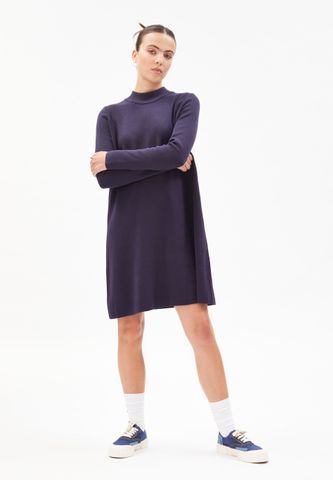
Resize and keep aspect ratio
The url command for resizing and keeping the aspect ratio of the original image is /rs:fit:<width>:<height>/. This will use the bigger value (width or height) of the original image and scale
this to the corresponding value from the url command. For landscape format images this means the width of the resized image will match the width value from the url
and the height will be calculated according to the aspect ratio. For portrait format images the height will match the url command.
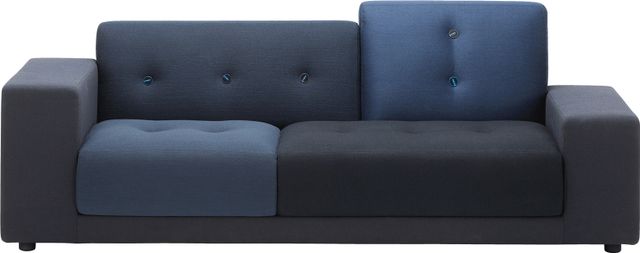
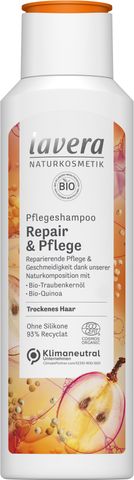
Resize and extend image to match exact size
This is useful if you need to create a square image from rectangular source images. Basically the url commands
are the same as above, you just need to add /ex:1/ to extend the image and configure /bg:<hex color>/ to which color should be used.
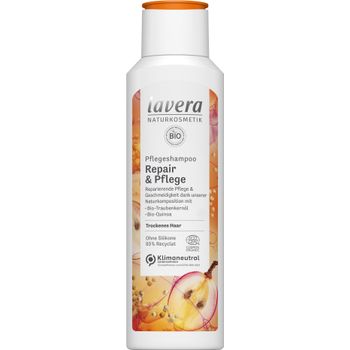
Convert source image to different output format
You can convert source images on the fly to png, jpg, webp, avif and many more with the /format:<FORMAT>/ command. For the full list of supported source and result formats see Image format support.
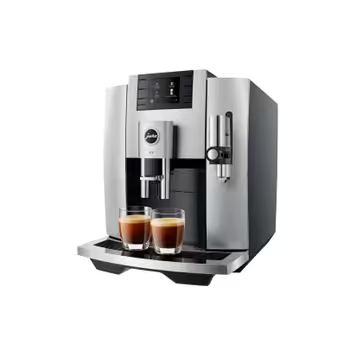
Set quality
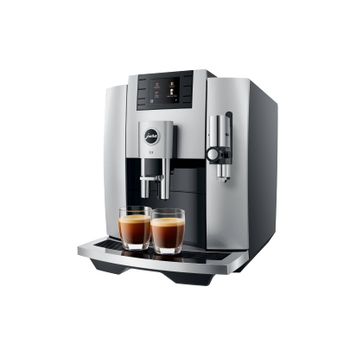
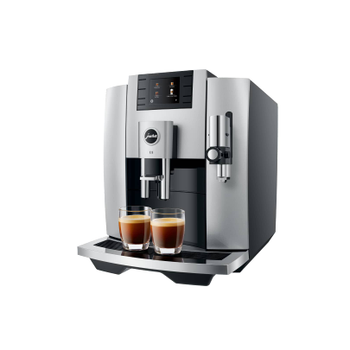
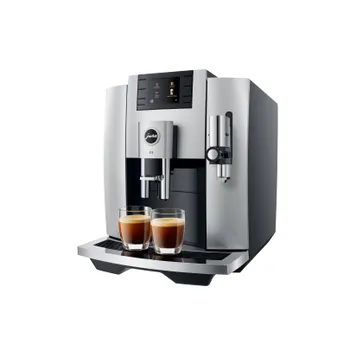
Output quality can be controlled with the /q:<0-100>/ or with the /max_bytes:<BYTES> commands. max_bytes is only applicable to jpg, webp, heic and tiff.
/q:90/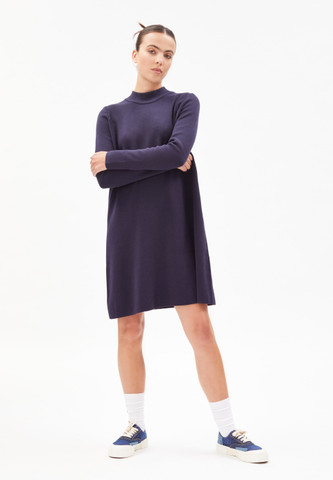
/max_bytes:12288/